Online RD Service

MORPHO L1
MSO E3 RD L1

MANTRA L1
MFS110 L1

Download RD
LATEST UPDATED

STARTEK L1
FM220U L1

MANTRA IRIS
MIS100 V2

PRECISION
PRECISION
PB 1000
RD Service Online
RD Service Online
Recharge or renew your biometric device’s Registered Device (RD) Service online for continued support with compatible Aadhaar authentication applications. Check your device model, service validity, and L0/L1 compatibility before placing your order. Supports eligible Morpho, Mantra, Startek, and other supported biometric devices.
Recharge RD Service
Important Notice: Verify Your Device Serial Number
Please double-check your biometric device’s serial number and ensure all details are correct before proceeding with payment. Payments made against an incorrect serial number are non-refundable and non-transferable to another serial number. Whitelisting Services will not be responsible for errors caused by incorrect serial number entry.
Morpho L1 RD

Rs. 475/ 1year
Rs. 726/ 2years
Activation within 2-5min
MSO 1300 E3 RD L1
Processing Fee Including
WhatsApp Helpline Support
Morpho L1 Service
Mantra L1 RD
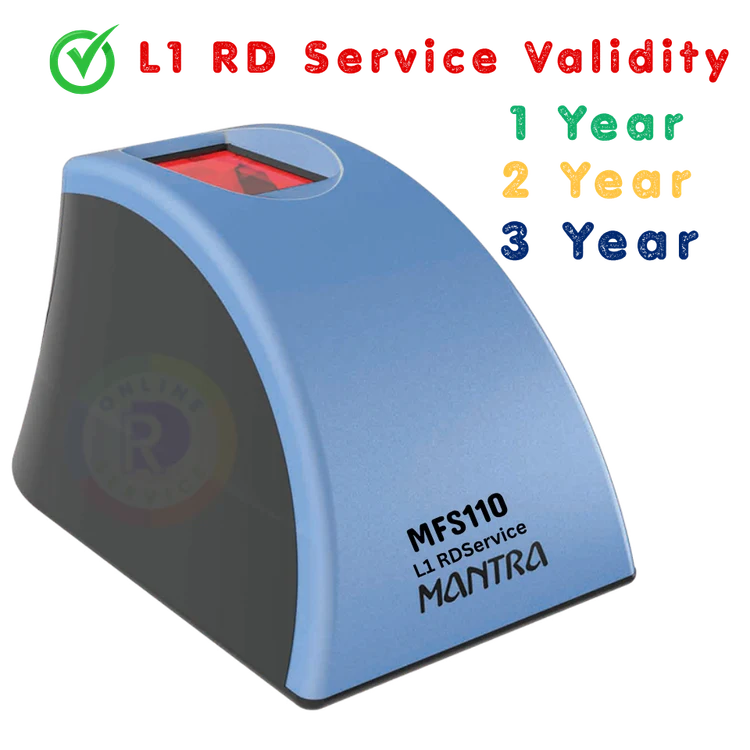
Rs. 343/ 1year
Rs. 593/ 2year
Activation within 2-5min
- MIS100V2/MFS110
Processing Fee Including
WhatsApp Helpline Support
Mantra L1 Service
Startek L1 RD

Rs. 339/ 1year
Rs. 763/ LifeTime
Activation within 2-5min
FM220U L1/AST300
Processing Fee Including
WhatsApp Helpline Support
Startek L1 Service
MIS100 IRIS
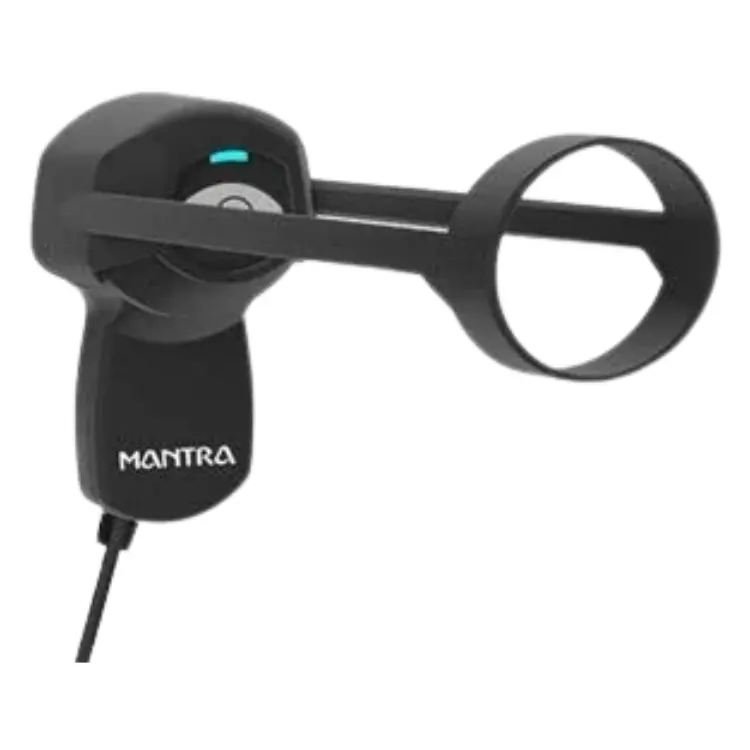
Rs. 340/ 1year
1 Year Validity
Activation within 2-5min
- Mantra IRIS RD
Processing Fee Including
WhatsApp Helpline Support
Mantra IRIS RD Service
RD Service

RD Service Device
Online RD Service supports compatible biometric devices on Android smartphones, tablets, Windows PCs, and desktop computers, subject to device and software compatibility. Register, renew, and activate your fingerprint scanner or iris device for supported Aadhaar authentication applications.
Platform Support:
Android RD Service: Compatible Android mobile phones and tablets.
Windows RD Service: PC, desktop and laptop support.
Fingerprint Devices: Morpho, Mantra and Startek L1 scanners.
Iris Scanner: PB1000 L1 RD Service support.
Software & Drivers: Installation, updates and technical assistance.
Online Services: RD registration, renewal, recharge and validity extension.
L1 RD Service
Android RD Service enables compatible L1 biometric fingerprint scanners and iris devices to work with supported Android applications for Aadhaar authentication and verification. Register, renew, and activate your biometric device online with easy steps and quick support.
Key Features:
Android RD Service Registration & Activation.
Fingerprint Scanner and Iris Scanner Support.
Compatible L1 Biometric Device Support.
Android RD Service App & Software Support.
Online Renewal and Validity Extension.
Secure Biometric Capture as per applicable UIDAI requirements.
Technical Support and Troubleshooting.
Supported Devices:
Morpho MSO 1300 E3 L1
Mantra MFS110 L1
Startek FM220U L1
PB1000 L1 Iris Scanner
Get your Android RD Service registered and activated through a simple online process.
Note: Android compatibility depends on the device model, RD application, Android version, and manufacturer support.
Windows RD Service enables compatible biometric fingerprint scanners and iris devices to work with supported Windows-based applications for Aadhaar authentication and verification. Get online RD registration, renewal, activation, driver installation and technical support through a simple process.
Key Features:
Windows RD Service Registration & Activation.
Compatible with Windows PC, Desktop & Laptop.
Fingerprint Scanner & Iris Scanner Support.
RD Service Driver Download & Installation.
Online RD Renewal & Validity Extension.
Software Updates & Technical Support.
Secure Biometric Capture as per applicable UIDAI requirements.
Supported Devices:
Morpho MSO 1300 E3 L1
Mantra MFS110 L1
Startek FM220U L1
PB1000 L1 Iris Scanner
Get Windows RD Service online with easy registration, secure payment and quick activation support
Note: Windows compatibility depends on the device model, Windows version, manufacturer drivers and authorized RD software.
Morpho RD Service
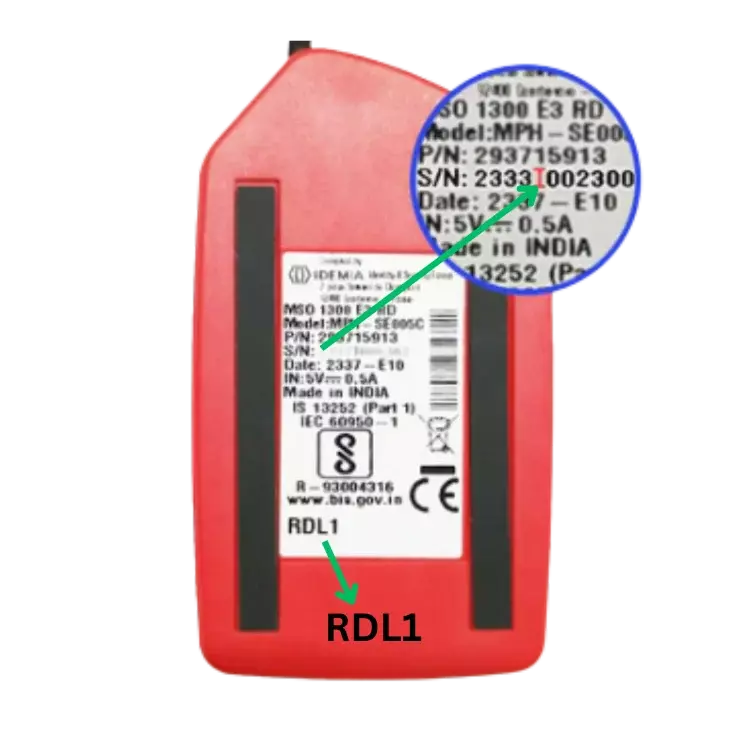
Register online Morpho RD Service if your device show error "One Time Token (OTP) or Activation Code. Very simple process for activation fill up simple your details with serial number.
In the registration form device photo attachment option for re-check the device serial number. Register Morpho RD simple Process & fast activation within 5-15mins.As per UIDAI Circular No. HQ-13023/1/2020-Auth-1-HQ/2084 , dated 20.06.2022 , the RD services for MSO 1300E and MSO 1300E2 category devices (for Aadhaar enabled services) shall cease beyond 31.12.2022 or such other date, as may be notified by UIDAI, from time to time.
Morpho L1 Recharge
Morpho 1300
| MORPHO L0 | MORPHO L1 |
|
|
Morpho L1 RDService
Buy RD Service
Morpho MSO1300 E3 RDL1 Fingerprint Sensor Device. Register MORPHO RD SERVICE for Morpho MSO or Morpho CBM biometric device. MSO or CBM Inside Serial Number both are different, our team activates after reconfirmation of correct serial number.
Download Morpho RD Service
Download Morpho RD Service
Go to Download and get Android and Windows RD Service Packages. Customers have to integrated MORPHO E3 RD Service with their business application- valid service for AEPS, Jeevan Pramaan rd service ,PM Kisan rd service,Aadhaar Print, Fino Bank, PNB Bank, Emitra, Airtel Payment Bank, Spice Money, Digi Pay, SSO Rajeshthan, Instant Pay, Easy Pay, Pay Nearby, Aadhaar Print, KYC rd service, Banking, Ayushmaan Bharat, Nova Pay, SBI, etc. get tested with the help of Online RD Service team.
Morpho Blacklisted
If your Morpho biometric device is showing “Blacklisted”, it may indicate that the device is not whitelisted on the RD Service management server or is registered in a different environment.
If you are using an L1 biometric device, please contact our support team to verify the device's whitelisting status and registration.
Mantra RD Service

Mantra L1 RD Service

Download Mantra RD Service
Go to Download for MFS110 and Mantra MIS100V2 latest Driver for PC Window.
Mantra MFS100 L0 Device latest version available.
Mantra MFS110 L1 device latest version driver is different.
Mantra MIS100 latest RD service driver.

Mantra Error
Mantra Error 1001 means Permission Denied or RD Service Expired. Fill Up RD service form for renewal Mantra RD service. After Renew/Recharge remove device from PC/Mobile and Plug In again or Reinstall Driver again then restart PC/Mobile.
Mobile Application Error -215
PC Driver Error 1001 means RD service Expired. For renewal/recharge RD service fill up details in Online RD Service form:

IRIS RD Service Mantra
Renew Mantra MFS110 & Iris Scanner RD Service Instant Activation with in 15mins, 7Days activation or renewal. Mantra RDS enables biometric-based aadhaar scanner authentication with the registered device concept implemented by UIDAI.

Startek FM220U L1
Renew Startek RD Service Instant Activation with in 15mins, 7Days activation or renewal. Startek FM220UL1 RD service enables biometric-based aadhaar scanner authentication with the registered device concept implemented by UIDAI. ACPL device FM220U L1 is eligible to make financial transactions under AEPS, eKyc, e Sharam Registration, Jeewan Parman, and Spice Money. We provide fast & lateat version RDservice mannual, application & PC driver download. Software Installation online RD service helpdesk support. Startek RD Service Activation time 5-15mins.
Startek RD Service
Startek L1 RDService
Precision L1 Device
PB1000 RD Service

Precision PB1000 (L1)
The PB1000 - The STQC Certified USB Fingerprint Reader for Enhanced Security. Say goodbye to complicated logins - PB1000 scans your fingerprint instantly. Advanced technology meets convenience - the PB1000 L1 USB Fingerprint Reader. Protect your data with the PB1000 - the trusted choice for enterprise applications.
Simplify security with the PB1000 USB Fingerprint Reader - designed for ease of use.

PB1000 RD Service
PB1000 RD service - your go-to solution for capturing fingerprints as per UIDAI guidelines. STQC certified and compatible with Android, Windows, and Linux, it's the perfect choice for any device. Get your Precision PB510 Scanner RD Service Software now!
Irishield Device
Iritech MK2120UL
Iritech MK2120U
Discover the Iritech MK2120UL - STQC certified with USB hardware port and multi-OS compatibility (Android/Windows/WinCE/Linux/Mac/Non-OS). Lightweight, compact, and cost-effective with power management functions.
Check out the Iritech MK2120UL- the ideal scanning solution for STQC certification, USB support. Lightweight and cost-efficient, with power-saving capabilities.

Iritech RD Service
Simplify IRIS device registration with our management server for UIDAI using IriShield MK2120ULRD.

Download Iritech Driver
Secure your device with our MK2120UL driver download - protect your privacy now!
RD Service Recharge
Recharge Your Fingerprint Scanner with Online RD Services. Streamline Your Device with Morpho, Mantra, and More RD Services. Elevate Your Device Performance with Instant Activation RD Services. Unlock the Power of L0 and L1 Devices with RD Service.
Effortlessly Recharge Your RD Service Now
