ONLINE RD SERVICE
ONLINE RD SERVICE
0

Mantra RD Service

Recharge your Mantra RD Service online through Online RD Service for supported Mantra biometric devices. Check your device serial number, RD service validity, and registration status before placing an order. Follow the activation instructions to complete the process and use your compatible biometric device for Aadhaar-based authentication services.Please ensure that the entered Mantra Device serial number is correct. 

.

Mantra RD Service L1

Payments made towards an incorrect serial number will not be refunded or transferred to a different serial number. Activation and whitelisting depend on device compatibility, OEM server processing, and applicable registration requirements.

Mantra L1 RD Service

RD Service Mantra
mantra RD service

Rs. 343

Mantra L1 RD

Activation within 2-5min

REGISTER NOW
  • MFS110 L1
  • RD Service Validity 1yr
  • Processing Fee

  • Instant Activation 2-5Mins

  • WhatsApp Helpline Support

Mantra L1 Recharge

Download Mantra RDService

Mantra download

Mantra L1 Device

IRIS RD Service

mantra IRIS rd service

Rs. 335

Mantra RD Renewal

Activation within 2-5min

REGISTER NOW
  • MIS100V2/MFS110
  • RD Service Validity 1Year

  • Processing Fee

  • Instant Activation After 2-5Mins

  • WhatsApp Helpline Support

Download Mantra Driver

Update RD Driver

Aug 2026 Up-Dated

Mantra RD Recharge
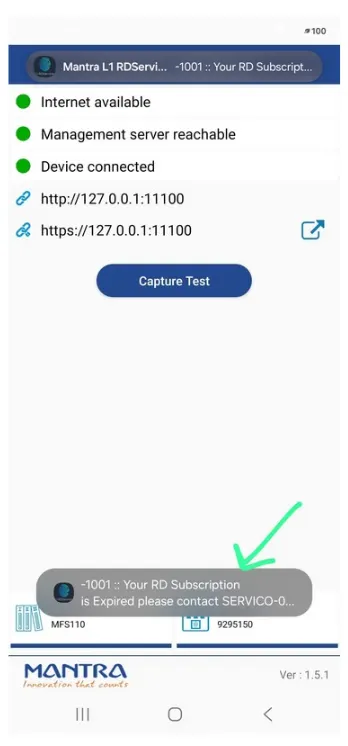
Mantra 1001

Mantra 1001

If your Mantra biometric device displays Error 1001: RD Service Expired, it may indicate that the RD Service subscription or device registration validity has expired, or that the RD application cannot verify the current validity with the server.

Mantra RD Service Expired

  1. Check RD Service validity: Verify whether your Mantra RD Service subscription has expired.

  2. Renew or recharge: If expired, renew the service for the correct device serial number through your service provider.

  3. Check internet connectivity: Ensure the computer or mobile device has a stable internet connection.

  4. Restart the RD Service: Disconnect the biometric device, restart the RD application or driver, reconnect the device, and test again.

  5. Allow time for activation: If you have already recharged, allow some time for the OEM server to update the activation status.

MANTRA MFS110 L1

Mantra Device

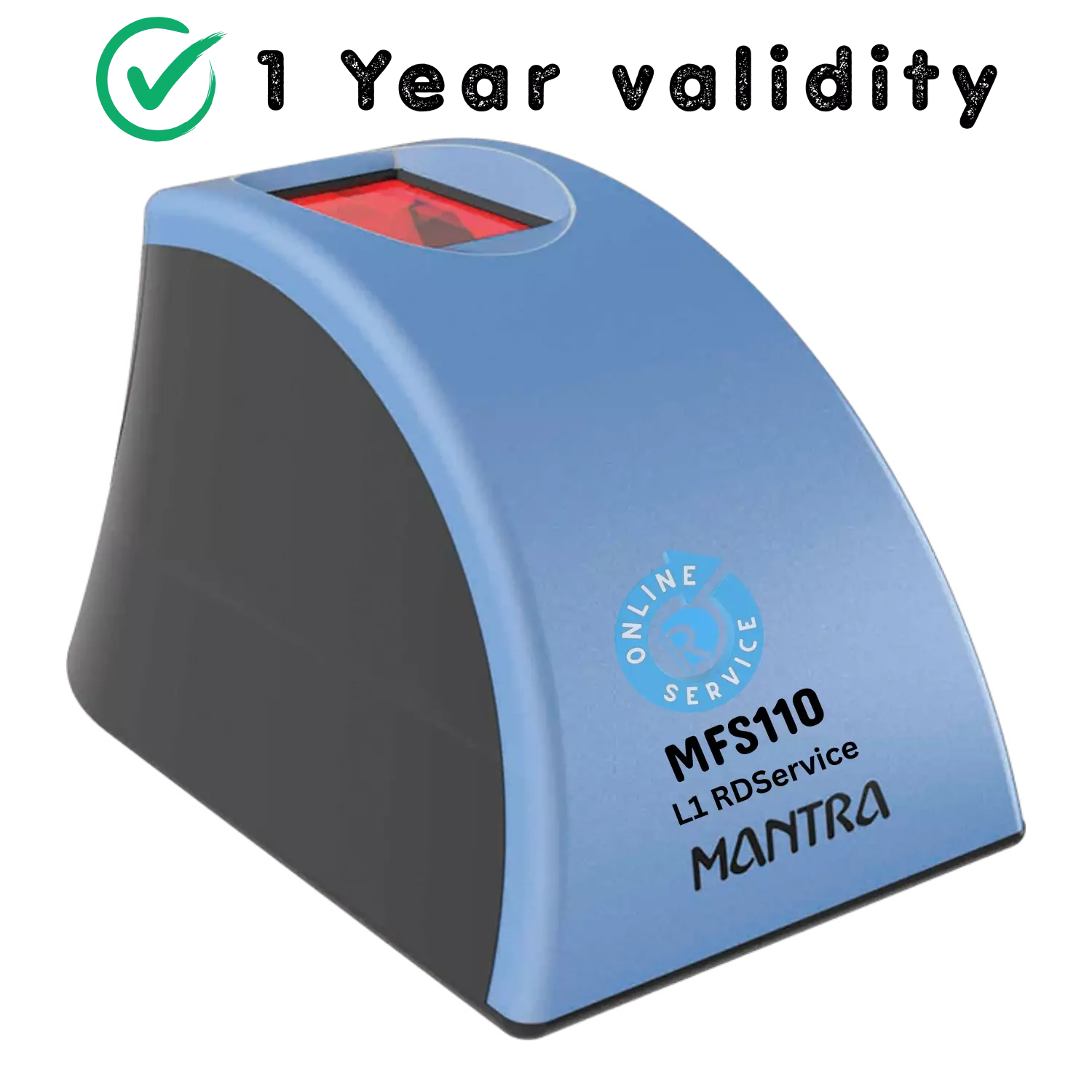
The Mantra MFS110 is an L1 biometric device and it is better than traditional devices in its class, delivering crypto operation with secure memory and precise biometric matching, making it perfect for ID verification and IT security. Our L1 fingerprint reader is a secure, rugged fingerprint scanner that ensures consistent image quality and precise results. This L1 fingerprint scanner is designed for many biometric-based identification applications. It is certified as FBI PIV-071006 as a compliant fingerprint scanner. This device has IP54 certification, which indicates that it is protected from dust and splashing water.
The L1 scanner is based on optical technology, which assures high-quality fingerprint scanning even when dusty, dirty, or rough fingers are scanned. developed for law enforcement, IT security, border administration, and national ID programs. Its advanced cryptography and ergonomic design make it an excellent performing and secure L1 biometric device for field operations.

Mantra L1 RD

Mantra rd service download
Mantra Manual

Windows MFS110 RD Service Manual

MFS100 Version:-1.0.0

(Update 18.06.2025)

File Size:-1.69MB
Mantra User manual

MFS110 User Manual
​

MFS100 Version:-1.0.0

(Update 18.06.2025)

File Size:-1.914MB
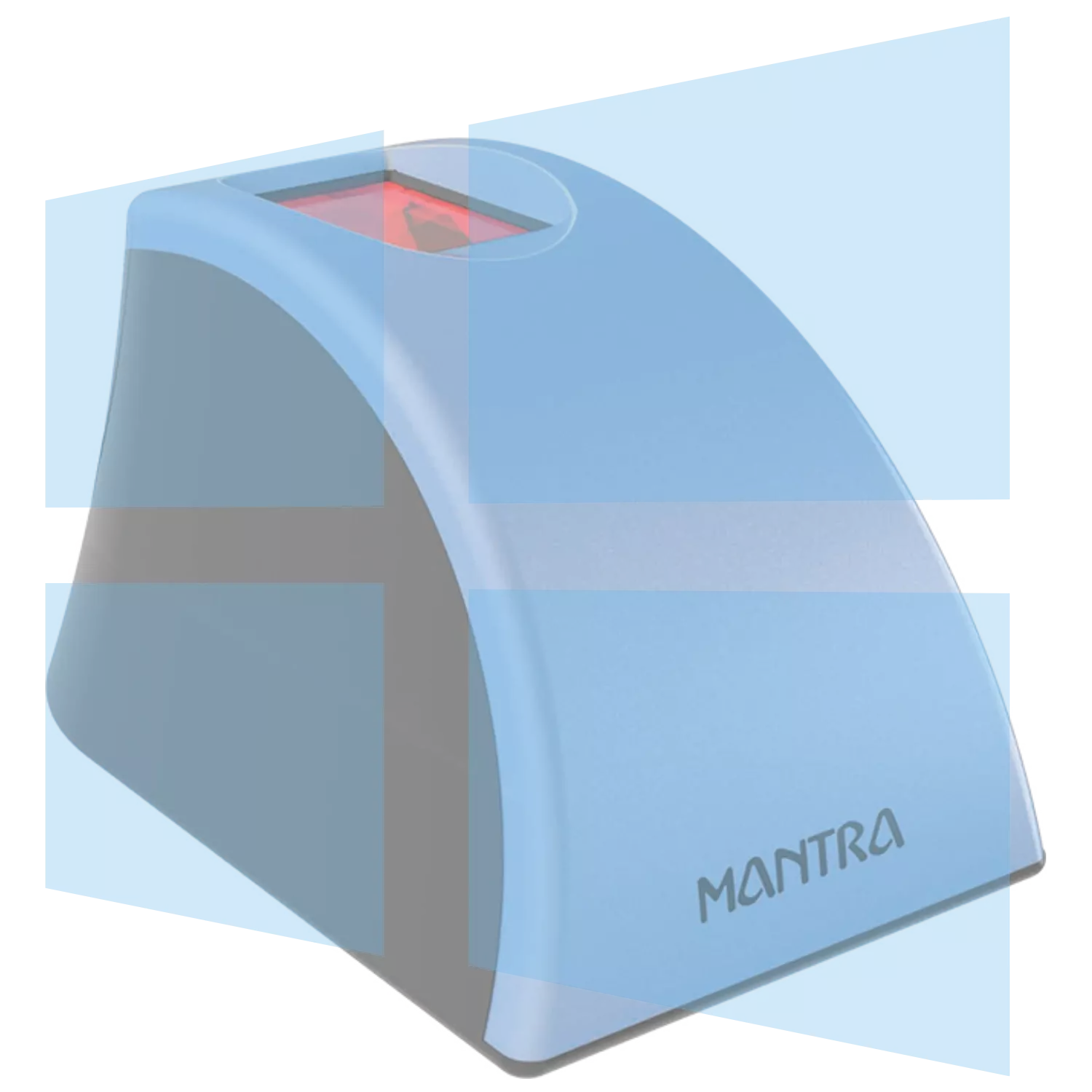
MFS100 RD Service

MFS110 Window RD Service

Version:-1.5.1

(Update July 2026)

File Size:-173MB
MFS100 Window RD Service

MFS110 Driver
​Window PC

Version:-2.0.0.0

(Update July 2026)

File Size:-4.790MB

Mantra Mobile App

MFS110 Android
Mobile App

Version:-1.4.1

(Update 23.11.2025)

File Size:-22.593MB

MANTRA IRIS

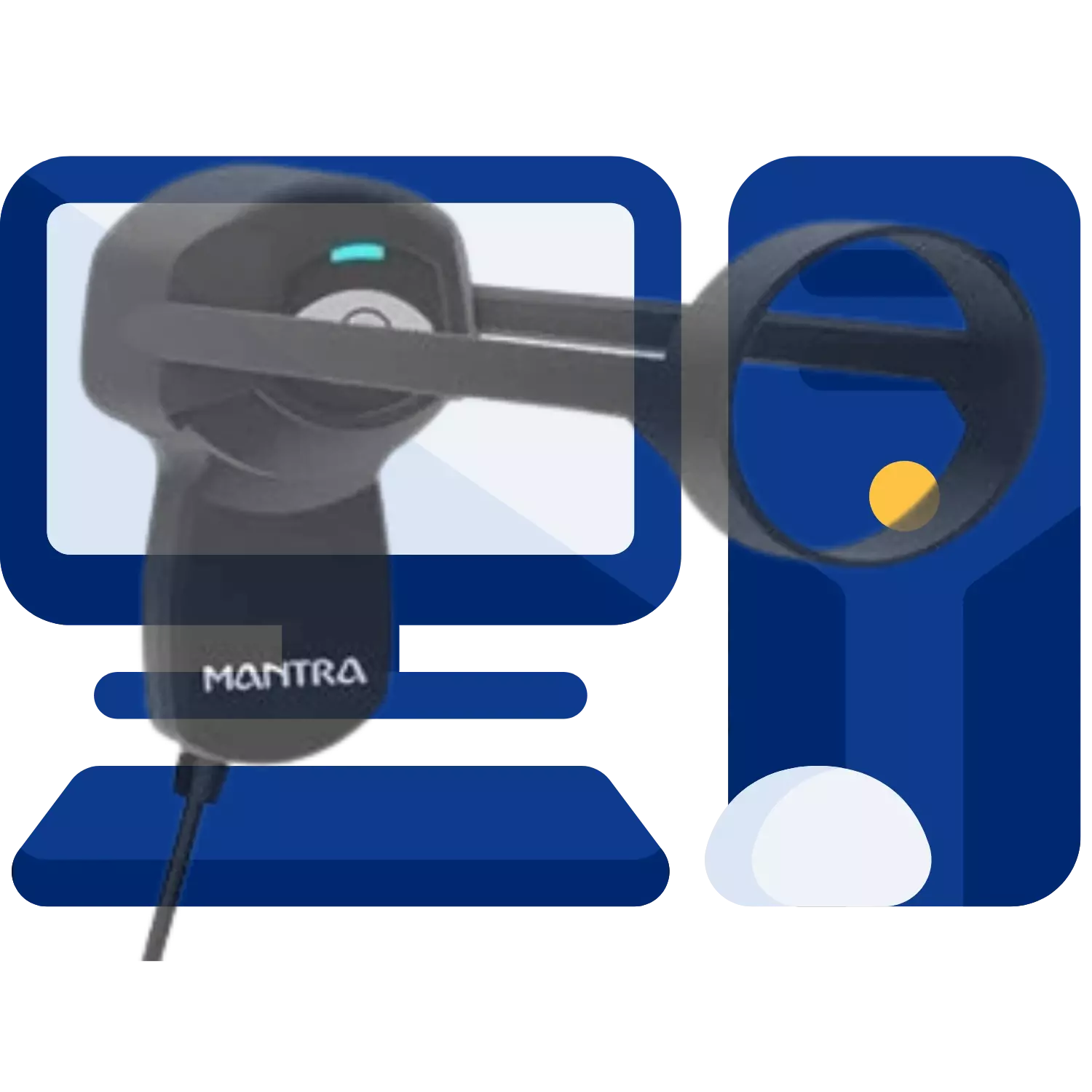
Mantra MIS100

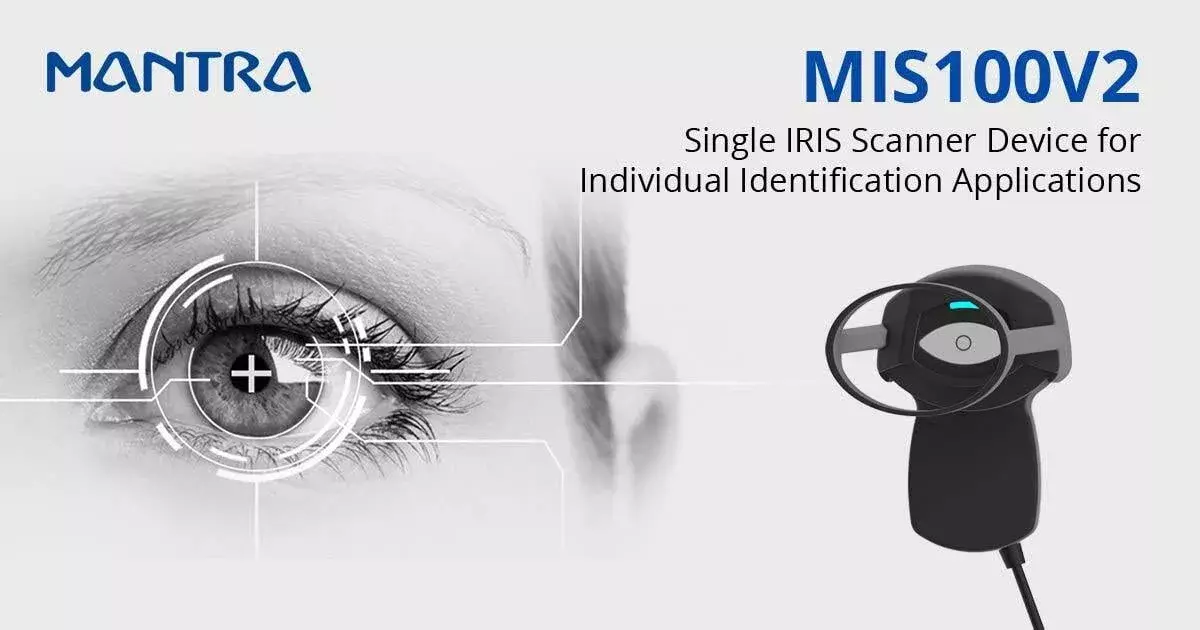
MIS100V2 is high quality USB IRIS Sensor for IRIS Authentication to access desktop or network security. Single IRIS Sensor MIS100V2 can be used extensively for identity applications like Aadhaar Authentication, Banking Applications and Access Control Applications. MIS100V2 quality algorithm can easily identify poor quality IRIS images and can be adjusted easily based on inbuilt LED indications. MIS100V2 works on proprietary distance sensing and focus analysis technology which gives it fast auto capture capabilities.

Mantra IRIS RD Service Download

IRIS RD Manual

Windows Mantra RD Service MIS100V2 Manual

MFS100 Version:-1.0.0


File Size:-1.052MB
IRIS User MANUAL

MIS100V2 User Manual
​

MFS100 Version:-1.0.0


File Size:-1.932MB
IRIS Notes

Windows MIS100V2 Release Notes
​

Version:-1.1.4


File Size:-252KB

IRIS RD Service

MIS100V2 Windows RD Service

Version:-1.2.0

(Update 23.11.2025)

File Size:-36.87MB
IRIS Mobile App

MIS100V2 Android RD Service

Version:-1.2.0

(Update 23.11.2025)

File Size:-44.950MB
IRIS Driver

MIS100V2 Driver

Version:-2.1.0.0

(Update 18.06.2025)

File Size:-55.090MB

Items have been added to cart.
One or more items could not be added to cart due to certain restrictions.
Close
Added to cart
- There was an error adding to cart. Please try again.
Quantity updated
- An error occurred. Please try again later.
Deleted from cart
- Can't delete this product from the cart at the moment. Please try again later.
WhatsApp